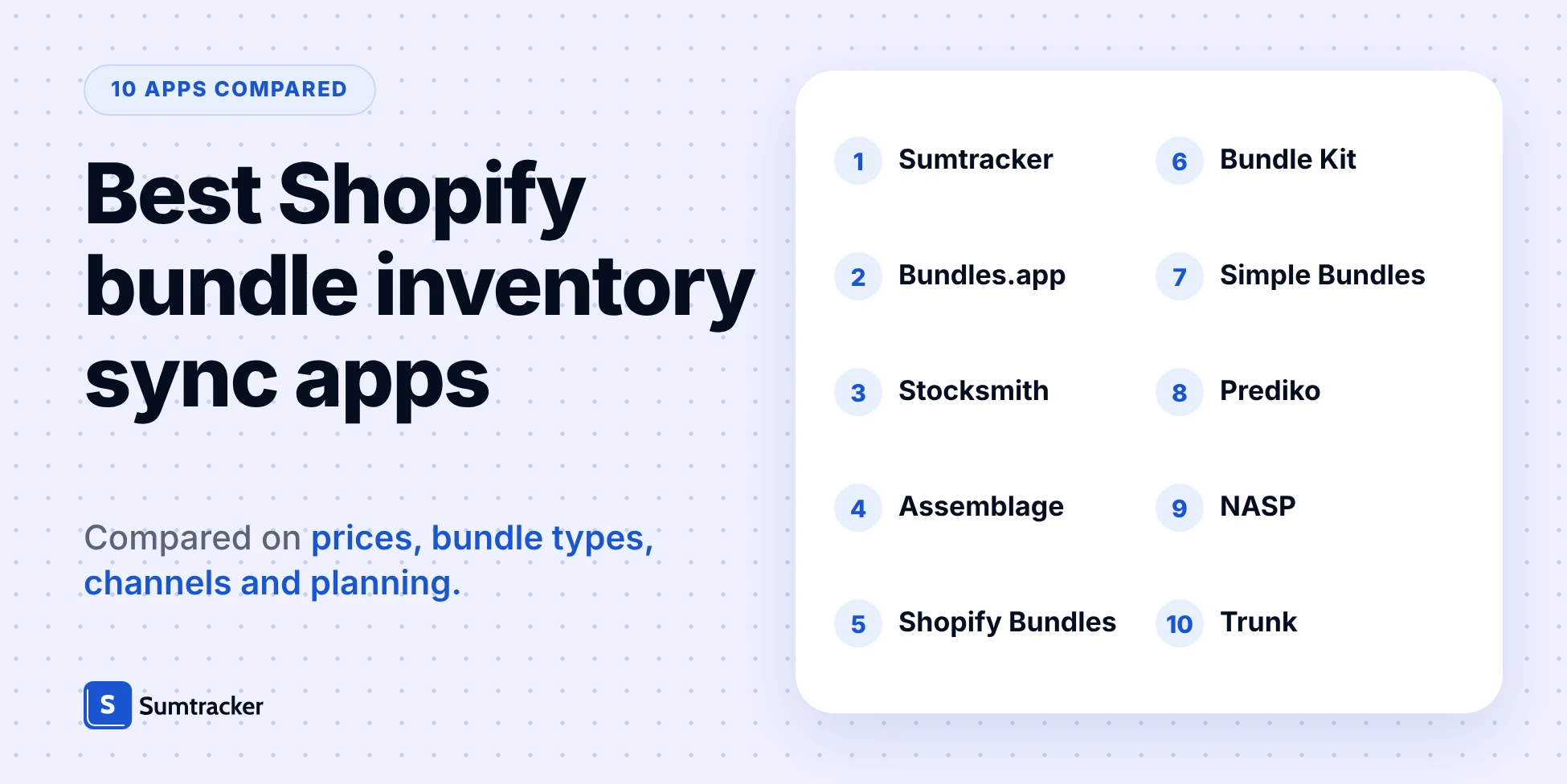
Best Shopify Bundle Inventory Sync Apps (2026)


Shopify Bundles, Shopify's free app, supports bundled product inventory natively for fixed bundles and multipacks, while the Shopify bundle inventory sync apps below add customer-built bundles, multichannel stock sync or purchase planning, depending on the app.
- Starting prices run from free to $59 a month, and only three of the 10 apps list customer-selectable bundles.
- Sumtracker, an inventory management, forecasting and planning platform for Shopify and multichannel brands, scores highest on default weights: 92 of 100.
- Weighting bundle types at 60% puts Bundles.app first, so choose your weights before you choose an app.
If you sell Shopify bundles, the stock that matters is never the bundles. It is the chairs, desks or serums inside it, and any of them can sit in more than one bundle or sell on more than one channel.
This guide compares 10 Shopify bundle inventory sync apps and scores each one on a published rubric. It looks at how each app syncs component-level inventory across bundles and sales channels, along with support for different bundle types and inventory planning.
We make Sumtracker, which is included below. Every app is scored on the same published rubric, and Sumtracker's own limits are listed in its Skip if.
Jump to: How the apps were scored · Pricing and channel comparison tables · How shared components oversell bundles
Quick picks: best Shopify bundle apps by use case
The right app depends on how you sell, not on one overall winner. Find your use case in the first column and the recommended starting point in the second. The apps below are ranked by score; here is how they were scored.
1. Sumtracker: best for multichannel bundle inventory
Sumtracker, an inventory management, forecasting and planning platform for Shopify and multichannel brands, works out each bundle's stock from its components, recalculates it whenever a component changes, and deducts components when an order is fulfilled. One component can sit in many bundles, bundles can be imported by CSV, and purchase orders order the components rather than the bundle.
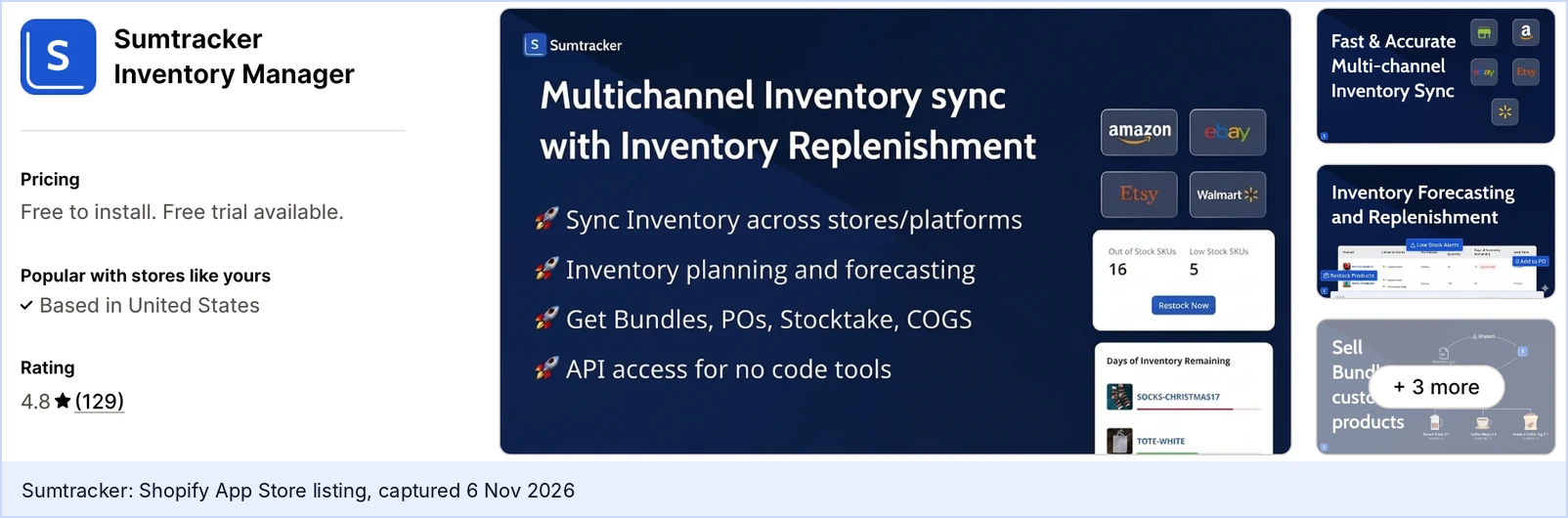
Manage costs $59/mo ($50/mo billed annually) for 2,500 annual orders and includes bundles, up to 50,000 of them. It rates 4.8 from 129 Shopify App Store reviews, and the trial is 14 days with no card.
Replenish costs $119/mo ($100/mo billed annually) and adds purchase orders, transfers and 12-month forecasting. That is the forecasting side: it suggests when to reorder and how much from your last 12 months of sales, and you create the purchase orders yourself.
Because one component often sits in several bundles, how an app recalculates a shared component is where bundle apps differ most. See how shared components oversell bundles, with Sumtracker's data and a demo of a component change.
Skip if: you need customers to build their own bundles on the storefront, or you assemble kits and want finished-kit stock. Sumtracker supports fixed bundles only, with no nested bundles and no assembly. Mix-and-match works only when the customer's choices arrive as separate order line items.
2. Bundles.app: best for storefront bundles
Bundles.app lists fixed bundles, multipacks and mix-and-match, and tags itself multi-channel and multi-location, with bulk import. It costs $19/mo on non-Plus plans with a 15-day trial, rates 4.9 from 323 Shopify App Store reviews, and has been on the App Store since 2016.

Skip if: you run Shopify Plus on a tight budget, because Plus tiers are $39, $99 and $199 a month, or you need purchase planning or an explanation of how it deducts components, because its listing documents neither.
3. Stocksmith: best for makers with bills of materials
Stocksmith tracks raw materials, work in progress and finished products, builds bills of materials with sub-assemblies, and auto-deducts materials when you build. Studio costs $49/mo (250 order lines a month), Indie $99/mo with 2-way sync, Business $199/mo and Growth $349/mo, with a 14-day trial. It rates 4.4 from 31 Shopify App Store reviews.
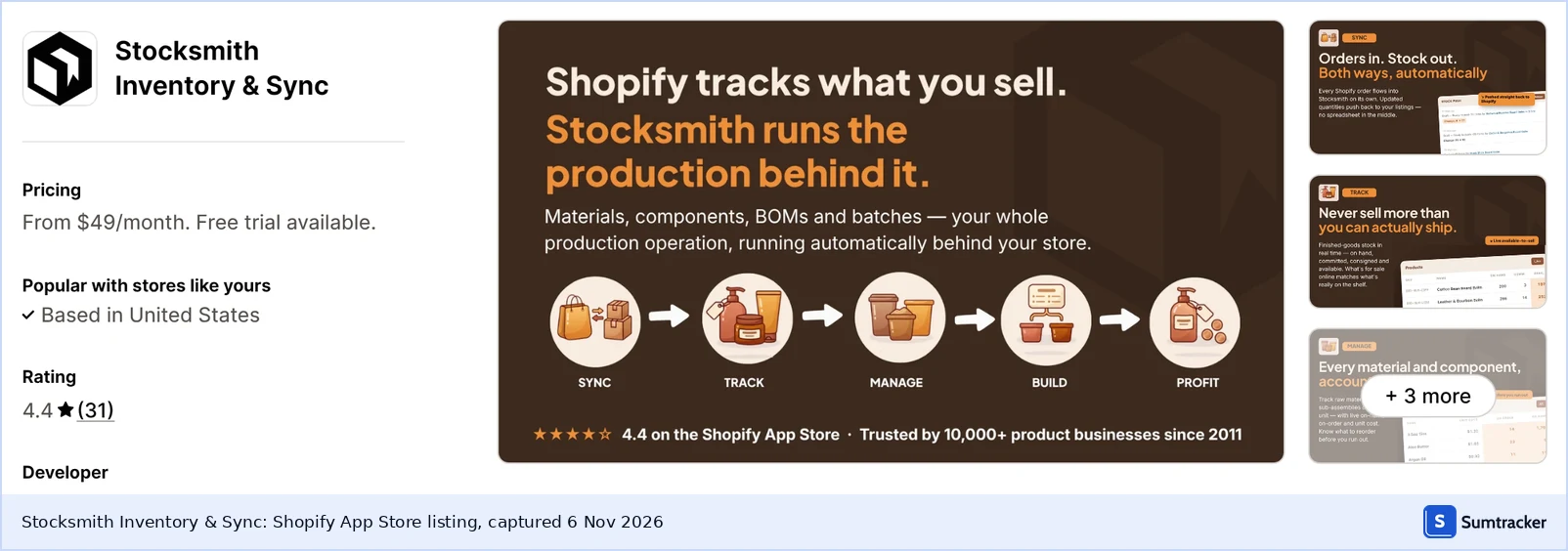
Skip if: you want bundle availability derived from component stock when a bundle sells, because its listing describes production builds.
4. Assemblage: best budget kit inventory app
Assemblage: Bundle Inventory builds kits from components and says it deducts component stock when a kit sells. Plans start at $9.90/mo (Basic), Growth is $19.90/mo, the trial is 3 days, and it launched on December 5, 2025.
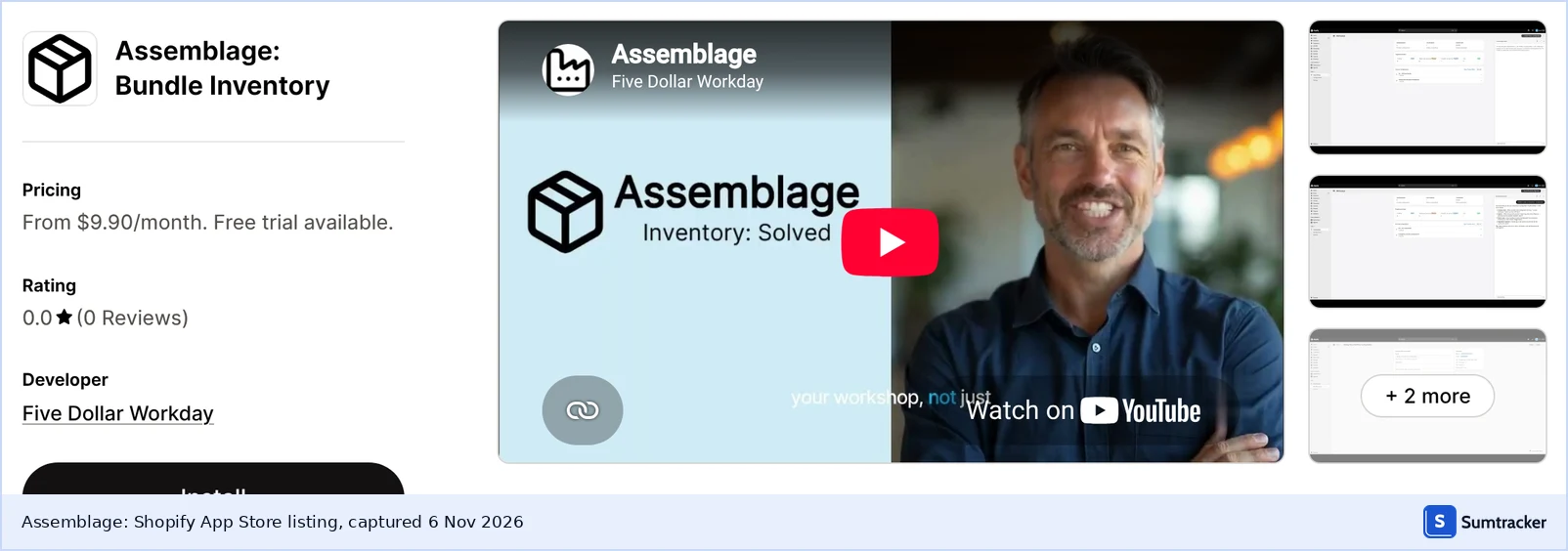
Skip if: you need reviews to judge reliability, because it has none yet, or you need to know which bundle types it supports, because its listing doesn't name them.
5. Shopify Bundles: best free Shopify bundle app
Yes, Shopify Bundles deducts component stock. Shopify's own app derives each bundle's availability from its components' inventory and updates it as components change, which makes it the right starting point for fixed bundles and multipacks on a single store. It is free on all plans and rates 2.9 from 571 reviews on its Shopify App Store listing, where one reviewer mentions option limits and another says bundle images must be redone.

Skip if: you need mix-and-match, which Shopify's bundle eligibility page says takes a third-party app or Plus APIs, or you manage many bundles in bulk.
If a bundle's stock stops updating after a change, our guide to bundle inventory not updating lists the usual causes.
6. Bundle Kit: best bundle app for Shopify Basic
Bundle Kit lists fixed bundles, multipacks and mix-and-match, and says it syncs inventory, pricing and weight to prevent overselling. Starter costs $21/mo for Shopify Basic stores, plans include a 14-day trial, and it rates 4.7 from 75 Shopify App Store reviews.
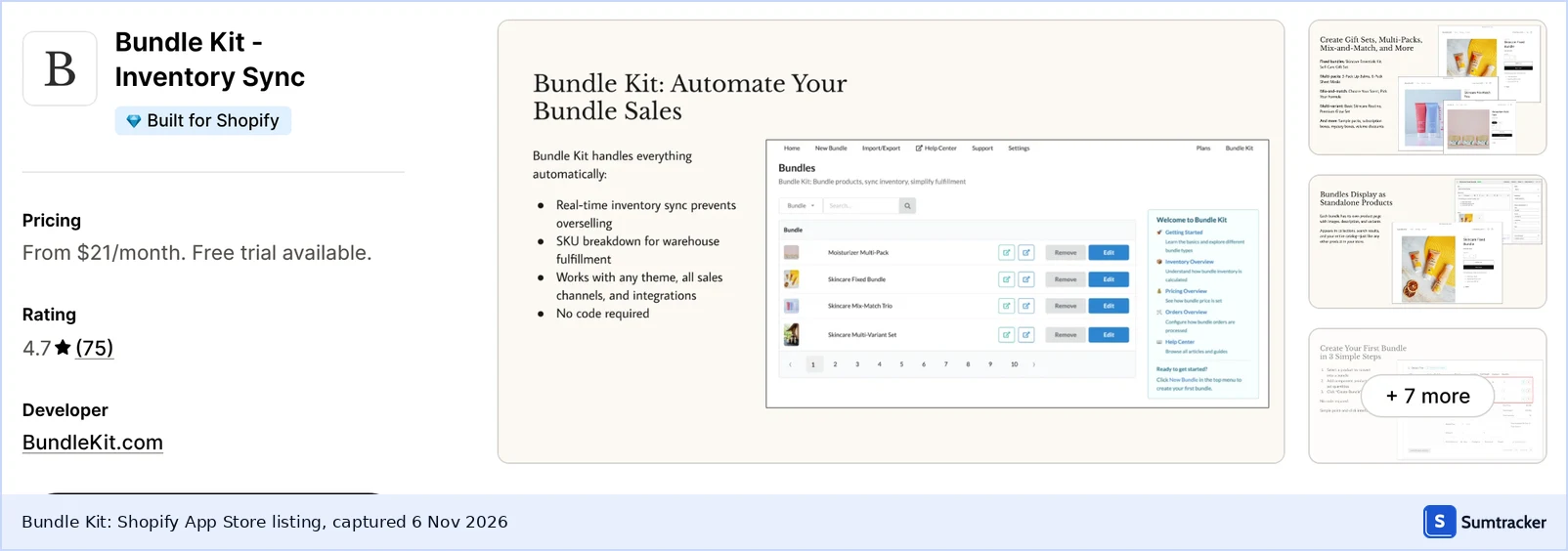
Skip if: you need to know how it deducts component stock or want purchase planning, because its listing documents neither.
7. Simple Bundles & Kits: best free bundle app to start
Simple Bundles & Kits has a free plan (3 bundles and 50 monthly orders) and paid plans from $24/mo on Basic, or $14/mo for stores with fewer than 100 monthly orders, with Grow & Advanced at $39/mo and Plus at $149/mo. It lists fixed bundles, multipacks, mix-and-match and build-a-box, breaks bundles into component SKUs automatically, and rates 4.9 from 826 Shopify App Store reviews.

Skip if: you need purchase orders, forecasting or stock across several locations, because its listing documents none of them and limits its POS integration to one location on Basic.
8. Prediko: best bundle-aware inventory planning
Prediko is an inventory planning tool that splits bundle sales across component SKUs, lists purchase order management and reorder quantities per component, and manages inventory across locations. Plans are Starter at $49/mo, Growth at $199/mo and Enterprise at $349/mo, according to Prediko's own blog, and it rates 4.9 from 267 Shopify App Store reviews.
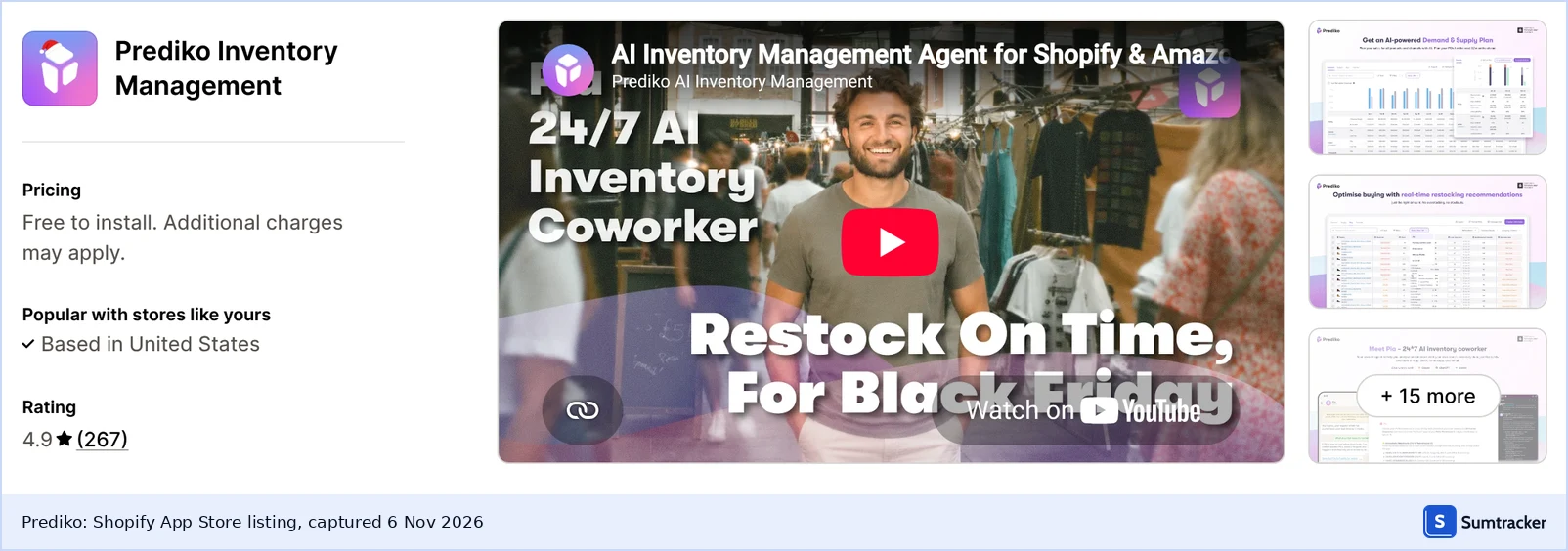
Skip if: you only need bundle stock sync, because plans are priced by revenue, or you sell on several marketplaces, because its bundles page doesn't describe channel support.
9. NASP Connected Inventory: best for small stores
NASP Connected Inventory lets you define components for bundle products and supports Shopify's multi-location inventory. Basic costs $9.99/mo and Advance $16/mo, both with a 7-day trial, and it rates 4.0 from 52 Shopify App Store reviews.
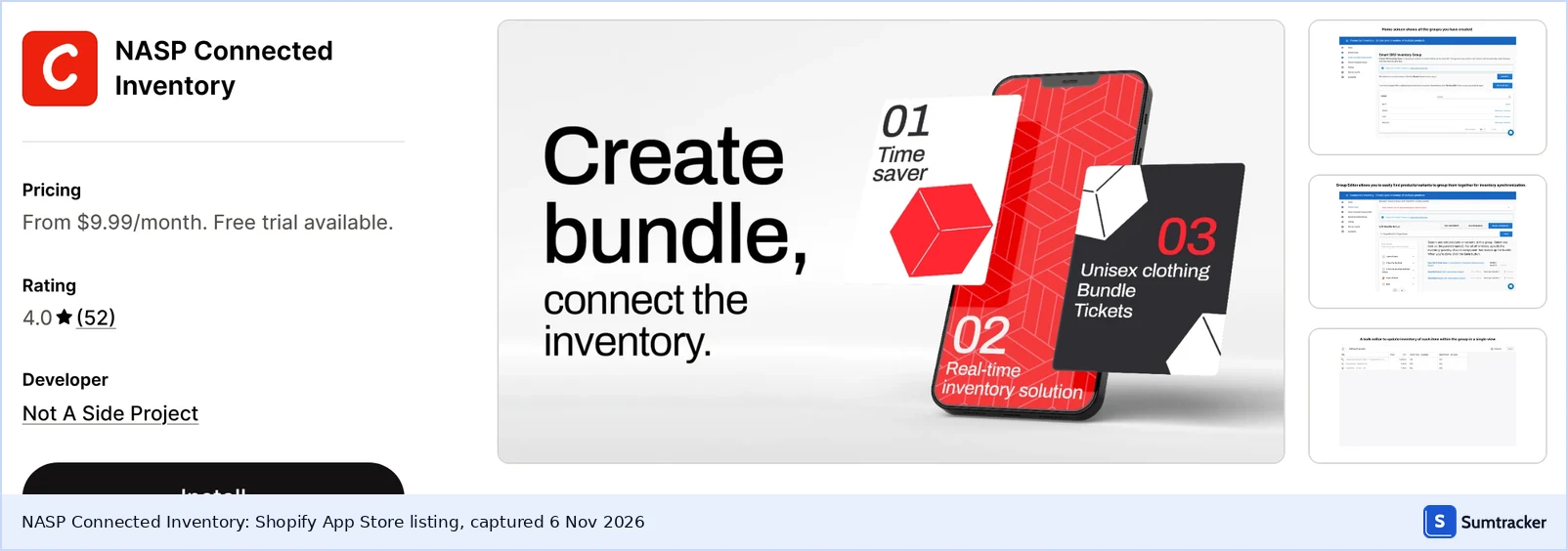
Skip if: you sell outside Shopify, because only Shopify is named in its listing, or you need purchase planning, which isn't listed.
10. Trunk: best for many-channel stock sync
Trunk syncs stock across unlimited sales channels, including Amazon, eBay and Etsy, and adds bundling and kitting on its Pro plan. Pro starts at $39/mo and Essential at $35/mo, both with tiers by order volume, and it rates 4.9 from 409 Shopify App Store reviews with a 14-day trial.
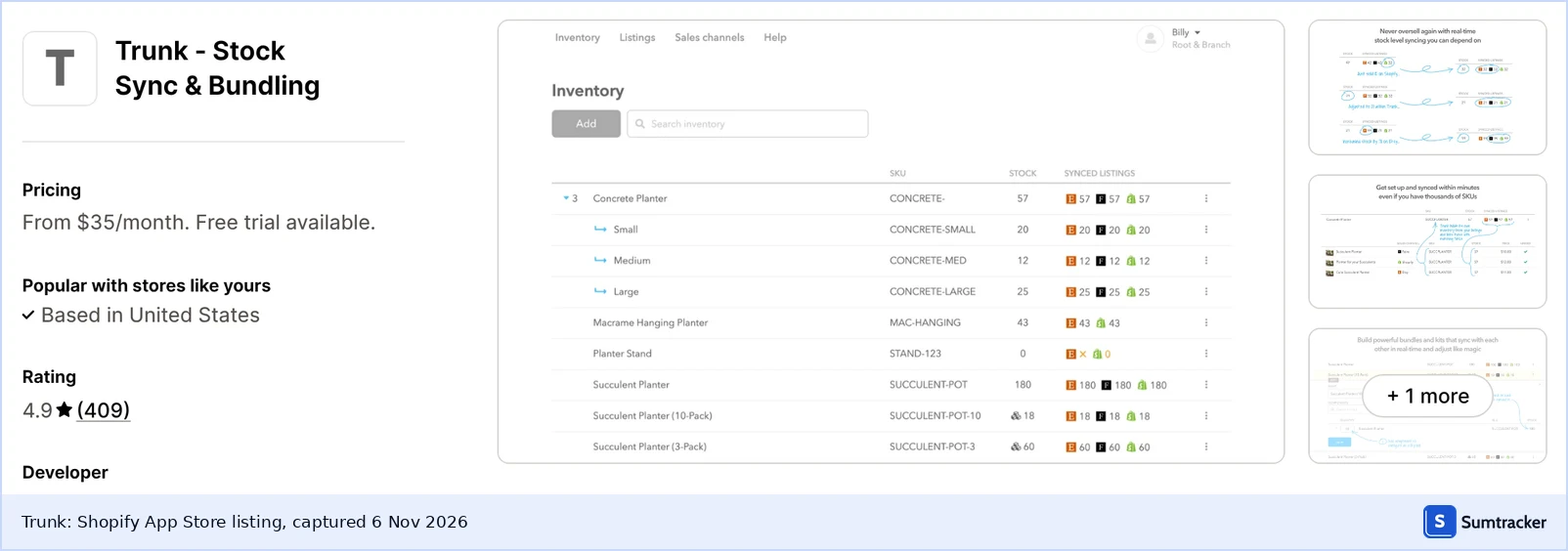
Skip if: you want bundling on the cheapest tier, or need to know how components are deducted or which bundle types it supports, because its listing names only bundles and kits and offers low-stock alerts as its closest planning feature.
Shopify bundle app pricing and bundle types
The table below compares each app's supported bundle or component structures and its entry-level pricing. Apps are ordered by their default-weight scores; ties follow the rule described in the scoring methodology.
Bundle inventory sync: channels, locations, planning
Beyond bundle inventory syncing, the apps differ in their documented sales-channel connections, multi-location support and inventory planning capabilities. Among the 10 apps reviewed, Sumtracker, Bundles.app and Stocksmith document both multi-channel and multi-location support, while Sumtracker, Prediko and Stocksmith document purchase orders alongside reorder recommendations. The table records the capabilities documented in each app's listing or official product materials, which inform the C3 and C4 scores below.
How were the 10 Shopify bundle apps scored?
This is a document-based review, not hands-on testing: scores come from each vendor's help pages, pricing page and Shopify App Store listing, and any feature a listing does not document scores 3. Each criterion uses three levels: 5, 3 and 1.
Score = the sum of weight × level, divided by 5, giving a figure out of 100. Equal scores are ties, ordered by fewer 3-scores first, then alphabetically. Sumtracker's C4 score reflects its Replenish plan.
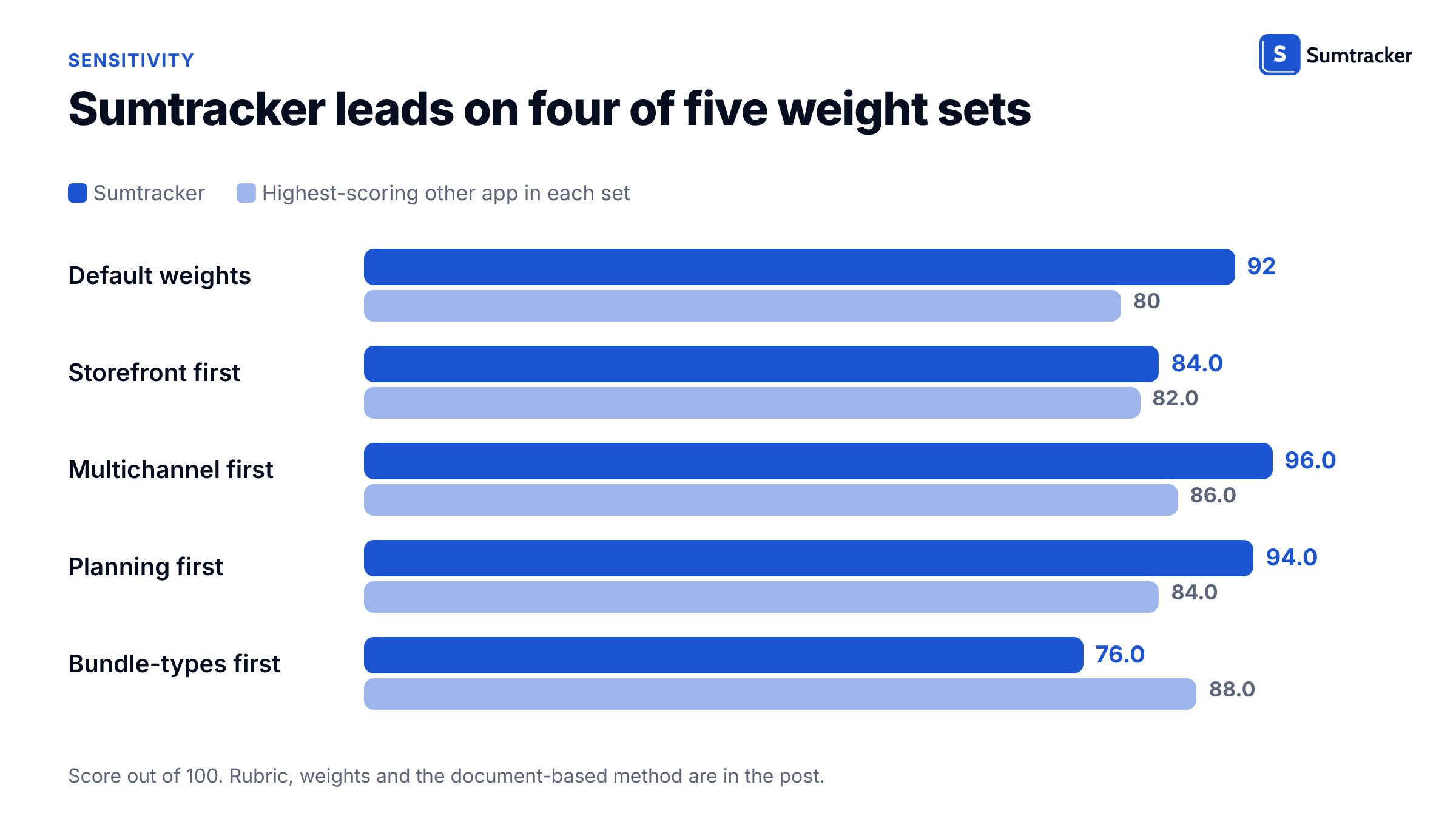
Sumtracker leads on four of five weight sets, but its margin over Bundles.app shrinks to 2 points when bundle types carry 40%, and Bundles.app takes first place when they carry 60%.
How do shared components oversell Shopify bundles?
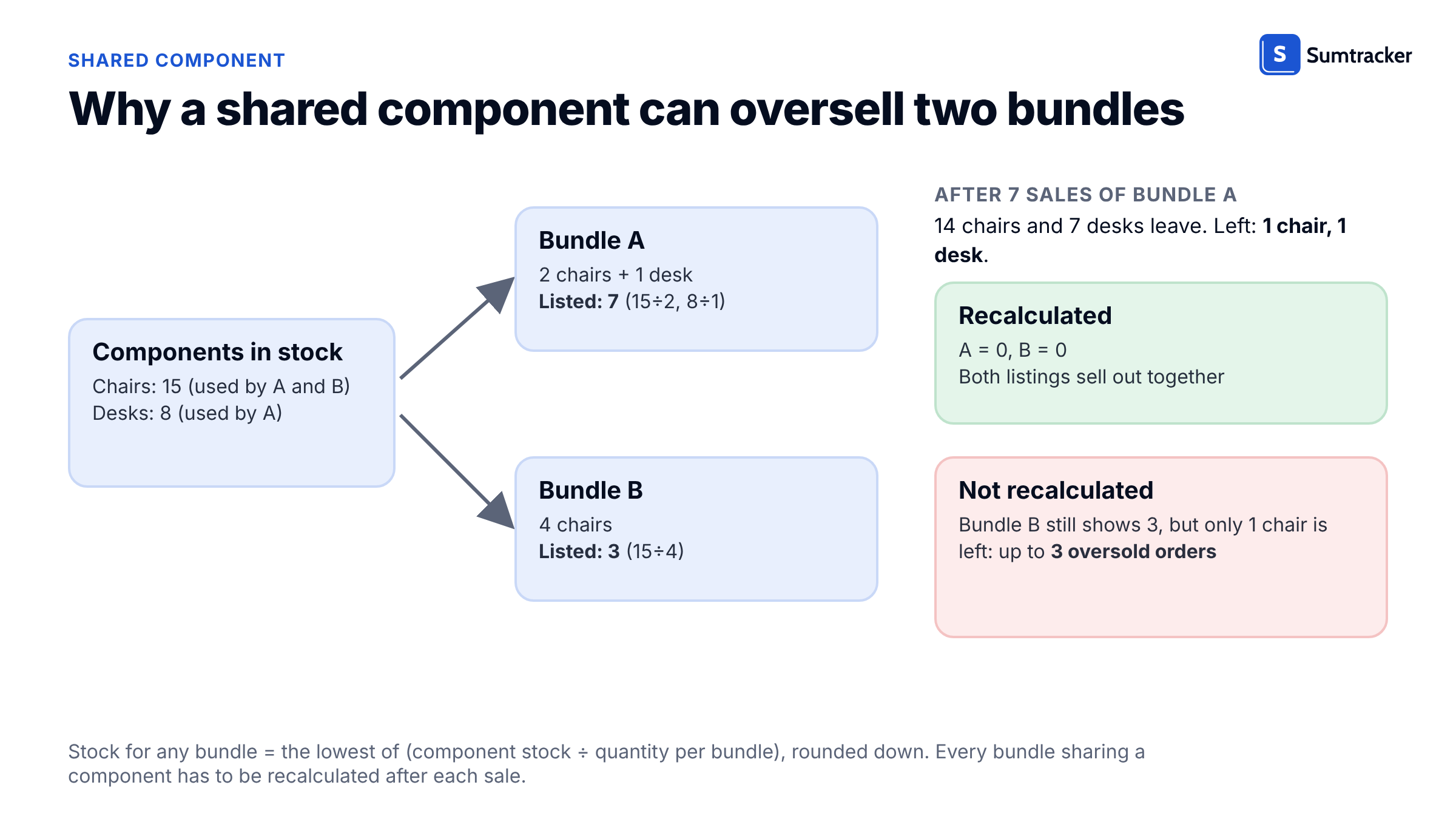
A bundle's stock is the lowest result across its components, and every bundle that shares a component has to be recalculated after each sale. Skip the recalculation and one chair count can sell the same chairs twice.
Bundle stock = the lowest of (component stock ÷ quantity per bundle), rounded down
Take 15 chairs and 8 desks. Bundle A is 2 chairs + 1 desk: 15 ÷ 2 = 7 and 8 ÷ 1 = 8, so it can sell 7. Bundle B is 4 chairs: 15 ÷ 4 = 3, so it can sell 3.
Sell all 7 of Bundle A and 14 chairs leave, so 1 chair and 1 desk remain. Both bundles now sell 0, but a listing for Bundle B that was not recalculated still shows 3, which means up to 3 oversold orders. The same logic applies when the extra demand comes from a second sales channel, as in our guide to keeping the same product in several bundles without overselling.
Sumtracker, an inventory management, forecasting and planning platform for Shopify and multichannel brands, was built around this problem. Its data shows how common it is.
In Sumtracker, a bundle is a list of components, so its available stock is worked out from them, and its inventory sync recalculates every bundle that uses a changed component. In the demo account below, CEREAL-BOX is a component of CEREAL-COOKIE-COMBO at 5 boxes per bundle. After its stock is adjusted from 200 to 100, the bundle shows 20 available instead of 40.

Plug your own components and bundle quantities into the calculator to check bundle stock and shared-component risk.
To see this on your own bundles, start a trial and add one component to two bundles.
How to switch Shopify bundle apps in 6 steps
Switching works best as a short trial on a few bundles, not a one-day migration.
- In your Shopify admin or current bundle app, list every bundle with its components and the quantity of each component per bundle.
- Enter those components on the calculator's Bundle stock tab and mark each one that appears in two or more bundles, because that is where overselling starts.
- Decide which bundle types you sell: fixed, multipack or customer-built.
- Pick the weight set from the scoring section that matches your business, then shortlist the top two or three apps.
- Trial each app with 5 bundles, including one that shares a component, and compare the bundle stock it shows with the calculator's bundle stock column.
- Move the remaining bundles over, then switch off the old bundle app so two tools never adjust the same stock.
If your bundles are built from components you do not list individually, read how to manage bundle inventory without listing components before step 1.
FAQ
How many components can a Shopify bundle have?
It depends on the bundle type: up to 30 components in a fixed bundle and up to 150 in a dynamic bundle, Shopify's help center says, with up to 2,000 units per component. Shopify raised the fixed limit from 10 to 30 in January 2024.
Do Shopify bundles work with subscriptions or pre-orders?
No. Shopify says bundles aren't compatible with purchase options, including subscriptions, pre-orders and try-before-you-buy, and they don't work with the Shopify Subscriptions app, so sell those products outside a bundle.
Can I import or bulk edit Shopify bundles?
No. Shopify Bundles doesn't support import, export or bulk editing, so every bundle is created and changed one at a time inside the app, which slows catalog-wide changes such as adding a component to many bundles.
What happens to a Shopify bundle if I change a component's SKU?
You have to delete and recreate the bundle. Shopify gives each bundle its own SKU and says a changed component SKU requires recreating the bundle, so settle your SKUs before building bundles.
Do untracked products count toward Shopify bundle stock?
No. Shopify ignores components that aren't tracked or are set to continue selling when out of stock, so those components never limit a bundle. Turn on inventory tracking for every component you want counted.
Conclusion
Before you move any live bundles, run the shared-component test from the calculator on your two or three shortlisted apps. If your bundles share components and sell on several channels, Sumtracker's Shopify bundle inventory sync is built for that case.
Conclusion

Jasmine Grover is the Content Marketing Lead at Sumtracker, with a background in journalism, digital publishing, and content development. She covers Shopify, inventory management, and e-commerce operations, creating research-driven content that simplifies complex business topics.
LinkedInRelated Articles
Tool and strategies modern teams need to help their companies grow.

Ready to Simplify Your Inventory Management?
Join hundreds of e-commerce merchants who rely on Sumtracker to save time, eliminate errors, and grow their business.