Top 10 Inventory Replenishment Software for 2026


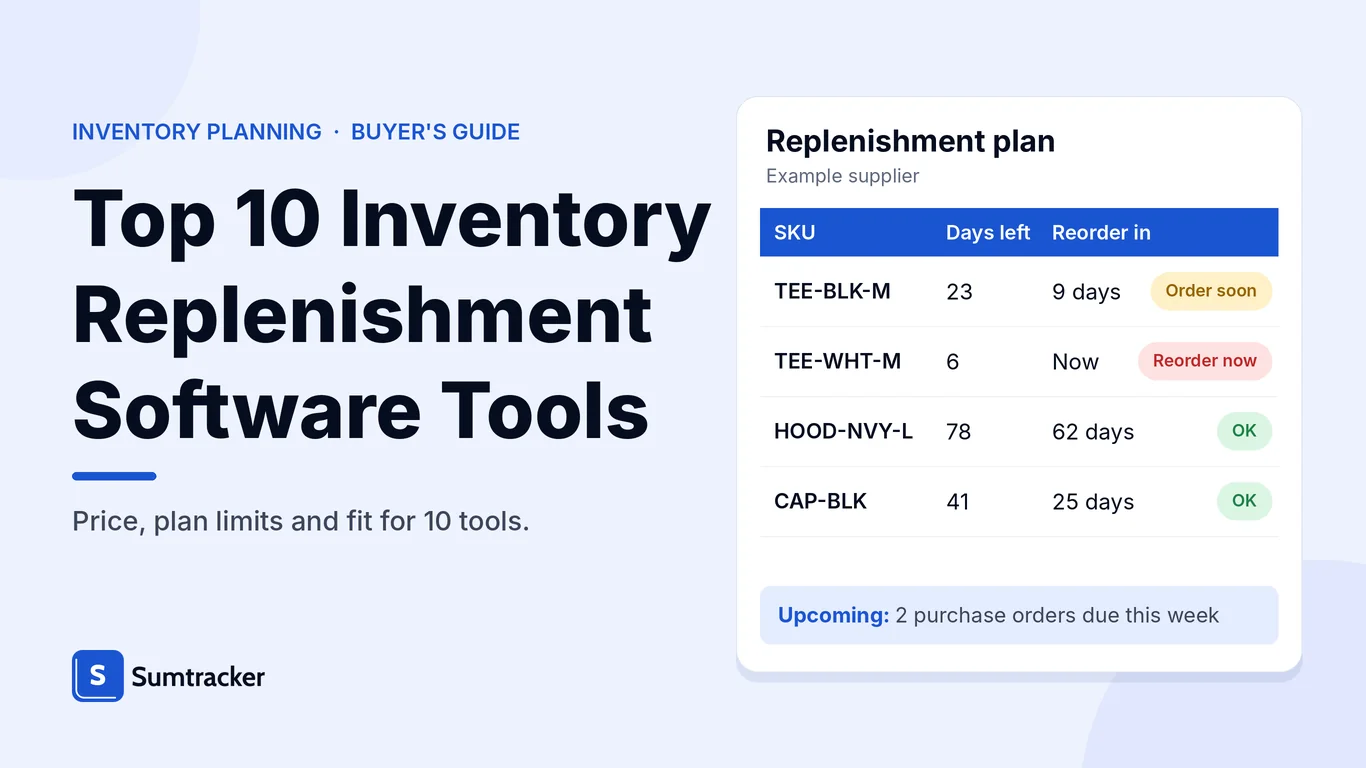
Inventory replenishment software tells you when to reorder each SKU and how much, using sales history, supplier lead times and safety stock. It helps reduce stockouts, avoid excess inventory and automate purchasing decisions.
- Match your setup: One store, multiple channels, warehouses or manufacturing.
- Compare plans: Check whether forecasting and purchase orders are included.
- Understand reorder logic: Daily demand × lead time + safety stock.
The best fit depends on your sales channels, locations and budget, not forecasting alone.
Running out of stock and sitting on too much stock usually have one cause: reordering by feel. Inventory replenishment software fixes that by telling you when to reorder each product and how much. This guide compares ten tools on price, fit and limits. Tools are listed by use case, not ranked.
Best Inventory Replenishment Software Compared
Starting prices can mislead. The last column shows what each price leaves out, such as purchase orders or forecasting.
To compare fairly, list the features you need (purchase orders, forecasting, number of locations), then pick the cheapest plan that includes all of them. Sumtracker's plans spell out what each includes, and the price follows yearly orders, not revenue.
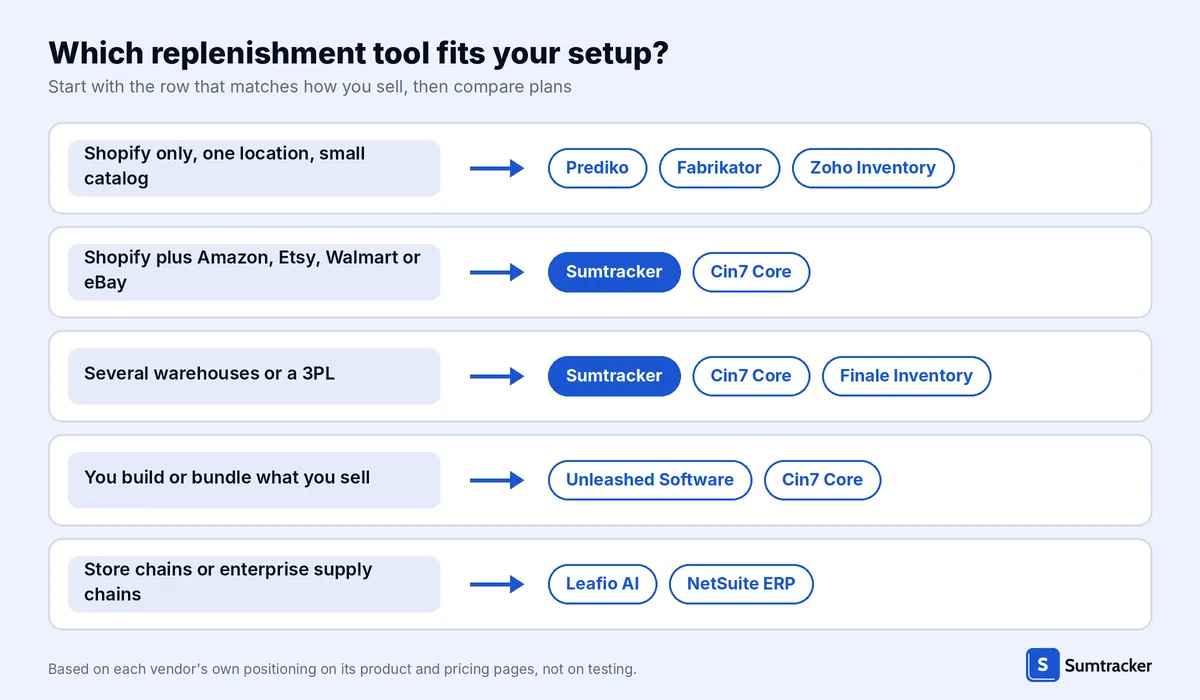
Which Replenishment Tool Fits Your Setup
Fit is based on each vendor's own positioning on its pricing and product pages, not on testing.
Sumtracker
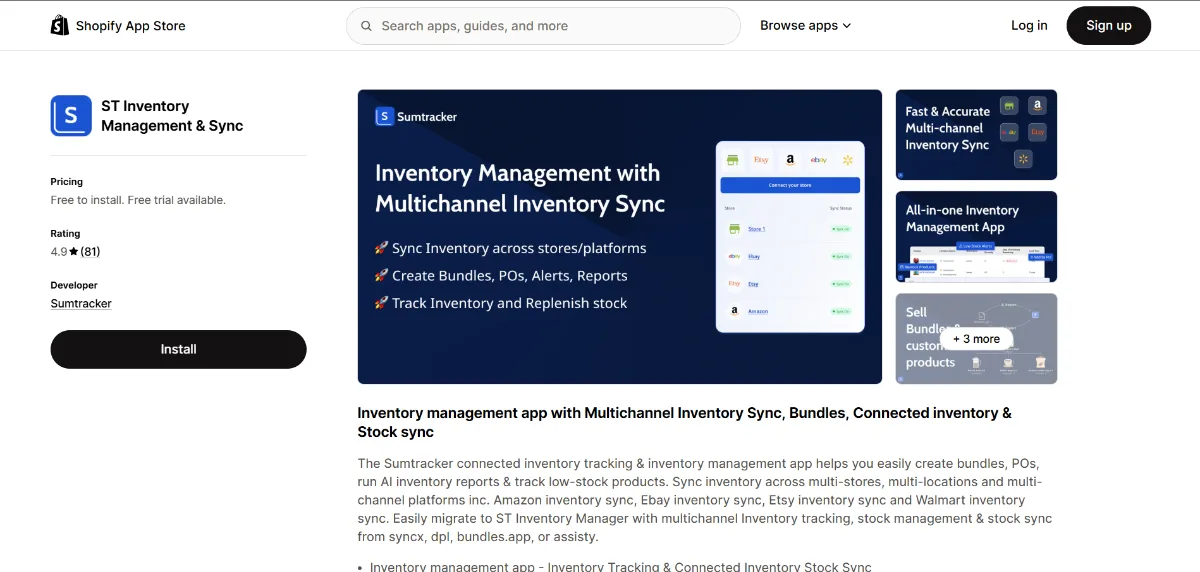
Sumtracker is an inventory management, forecasting and planning platform for Shopify and multichannel eCommerce brands. Its Replenish plan builds reorder suggestions from the last 12 months of sales and lets you turn them into purchase orders.
- Best for: Shopify and multichannel sellers who want replenishment without an ERP.
- Key features: stock sync every few minutes across Shopify, Amazon, Etsy, Walmart and eBay; reorder suggestions with reorder and stock-out dates; per-supplier lead time and safety days; purchase orders and stock transfers.
- Pricing: Replenish from $119/month (5,000 orders a year). Manage from $59/month covers sync, bundles and stocktake, but not purchase orders or forecasting.
- Skip it if: you need production planning with full BOM costing, or past-sales import from marketplaces (import is Shopify only; other channels forecast from the date they connect).
Prediko
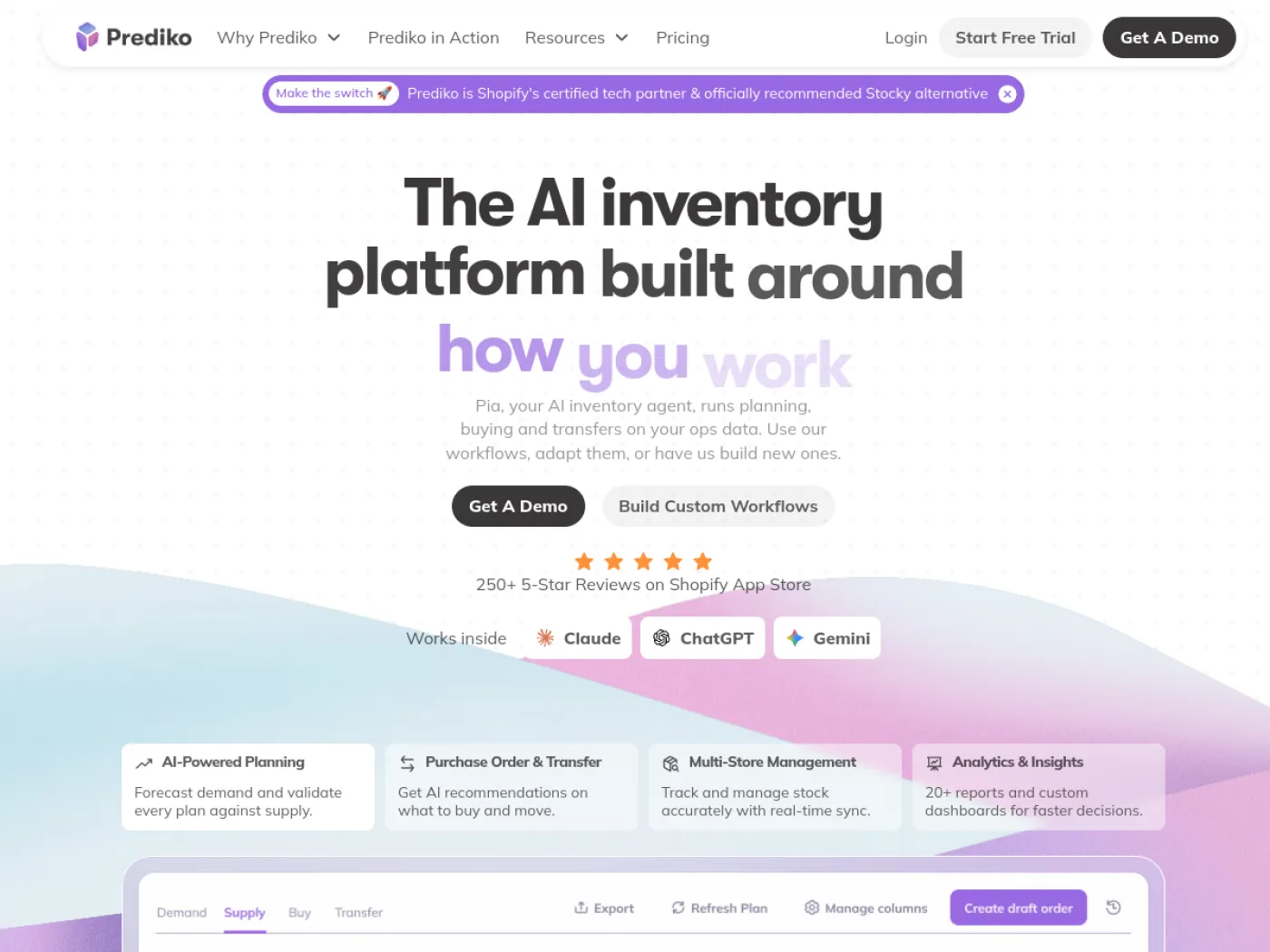
Prediko is a Shopify-focused inventory planning app that covers demand forecasting, replenishment planning and purchase orders. Its pricing page lists one Core plan priced by annual GMV, with forecasting and purchase orders on every tier.
- Best for: Shopify brands with large catalogs that want forecasting and POs from the first tier.
- Key features: revenue and sales forecasting, purchase orders, unlimited SKUs, users and POs; raw-materials forecasting and BOM add-on from $20/month.
- Pricing: from $49/month under $100K annual GMV; $119 at $100K to $500K; 14-day free trial.
- Limit: its own comparison page says some WMS and 3PL integrations are still in development.
- Pick it if: you sell mainly on Shopify and want revenue-based pricing from a low starting point.
For a direct look at two replenishment options, read Sumtracker vs Prediko.
Inventory Planner
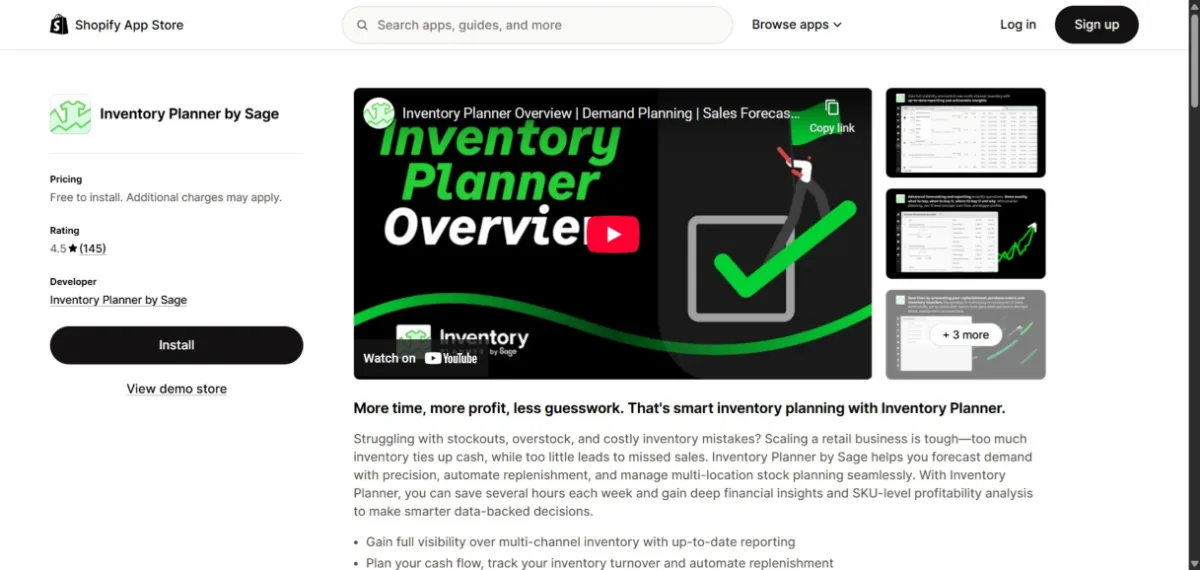
Inventory Planner helps businesses make purchasing decisions with data-driven forecasts and automated reorder logic. It suits brands with large catalogs or seasonal demand patterns.
- Best for: medium to large retailers with big catalogs or seasonal demand.
- Key features: advanced demand forecasting; replenishment and PO planning; multichannel inventory visibility; reporting and budgeting.
- Pricing: no plan prices are published. Pricing is based on the volume of inventory you manage, includes unlimited users, and every pricing action is a request for a quote. Some reviewers report annual up-front contracts, which the vendor pages do not state.
- Skip it if: you want a public price list before you talk to sales, or a lean tool for a small catalog.
Fabrikator
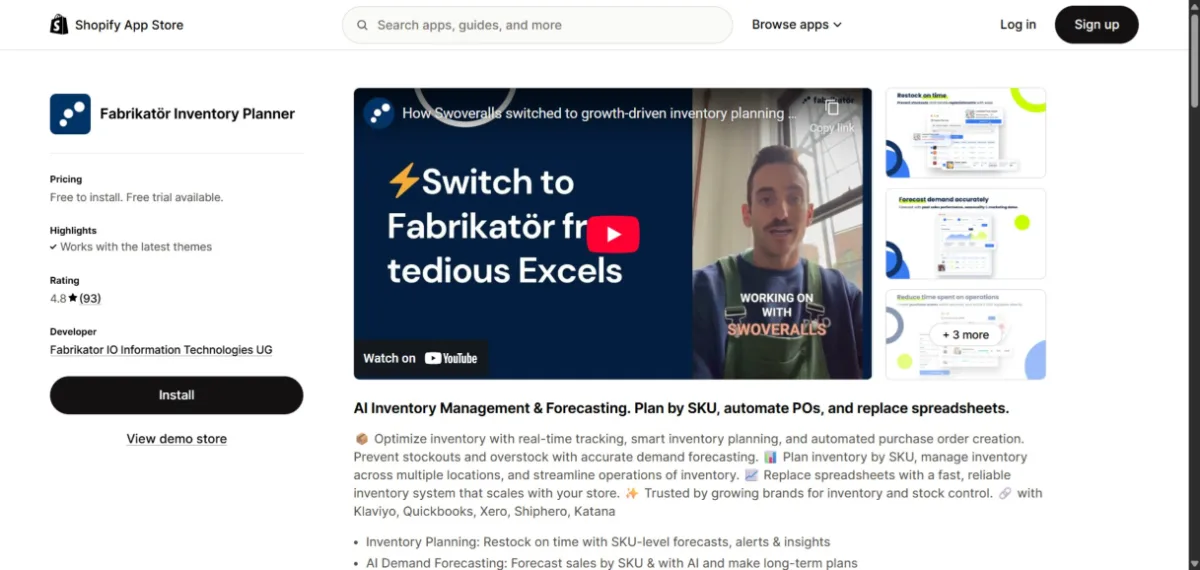
Fabrikator is a Shopify-native replenishment tool that combines lead time tracking, sales data and forecasting dashboards.
- Best for: small to mid-sized Shopify merchants.
- Key features: demand forecasting and restock recommendations; lead time management; reporting; an MCP server for asking inventory questions from an AI assistant. It plans on top of Shopify's stock counts, so those need to be accurate first.
- Pricing: set by annual revenue, per its Shopify App Store listing: Seed $99/month up to $500K, Scale-Up $149 up to $1.5M, Growth $199 up to $2.5M. Each has a 14-day trial and $0.75 per backorder after 50 free. Stores above $2.5M use an enterprise price.
- Skip it if: you sell mostly outside Shopify, or want one system that also holds your stock counts.
Cin7 Core
Cin7 Core combines stock management with replenishment automation for brands with several warehouses, channels and workflows.
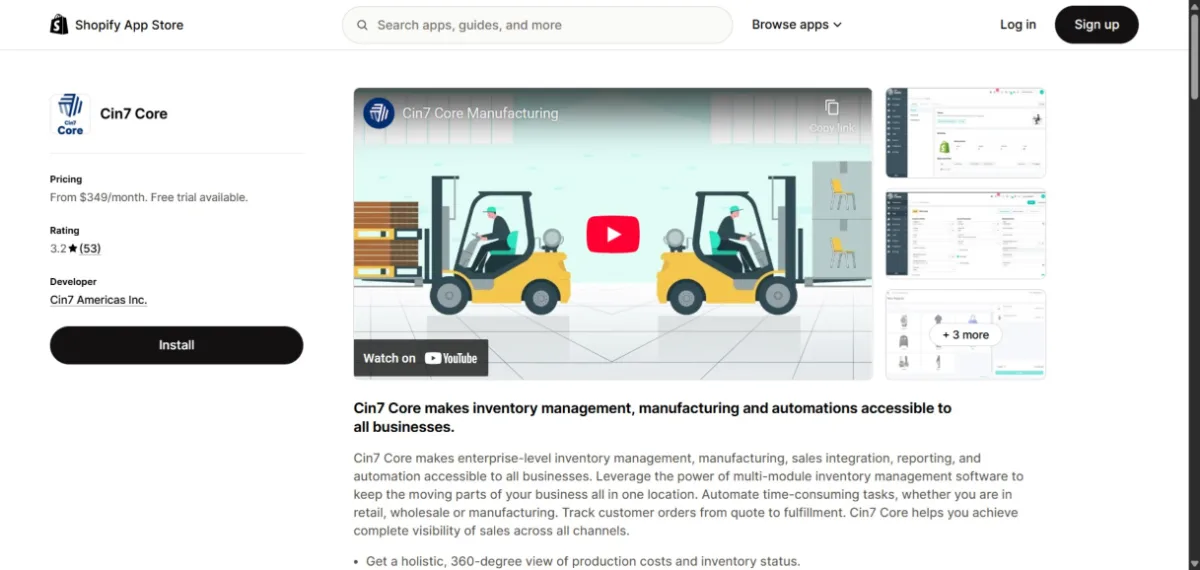
- Best for: mid to large retailers and wholesalers.
- Key features: automated reorder point calculation; multi-warehouse and channel management; supply and production planning; accounting and ERP integrations.
- Pricing: (USD, monthly, excluding tax, new customers) Standard $349 with 5 users, 2 ecommerce integrations and 6,000 sale orders a year; Pro $599; Advanced $1,199. Material requirements planning starts on Pro, and every plan has unlimited inventory locations.
- Skip it if: you want only replenishment without a wider operations suite, or you sell on more than two channels and want to stay on the entry plan.
Leafio AI
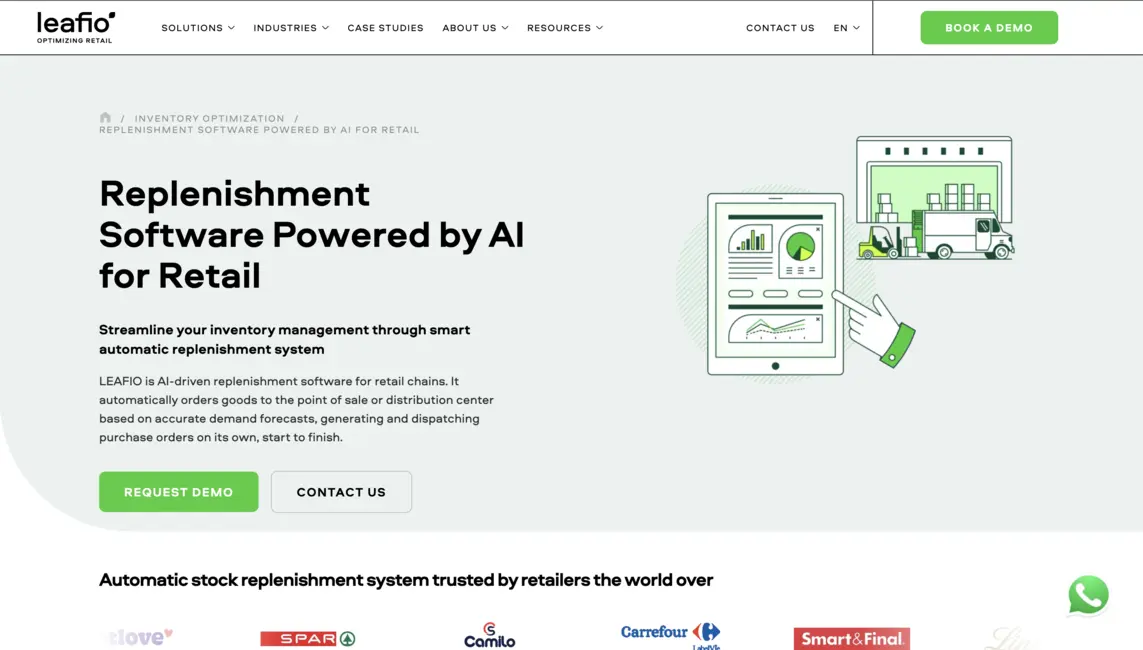
Leafio AI is an AI-driven replenishment platform built for multi-store retail chains, including grocery, pharmacy, convenience, and DIY retailers. It forecasts demand for every SKU in every store and automatically generates and sends purchase and transfer orders, so planners only handle exceptions instead of building orders by hand.
Key Features:
- SKU-store-level demand forecasting with automatic order generation
- Separate replenishment logic for standard SKUs, perishables, and DC-to-store flows
- Promotion-aware buffers that adjust before a campaign starts
- Automatic order dispatch via EDI or email, plus supplier performance tracking
Best For: Multi-store retail chains and distributors automating store and warehouse replenishment.
Pricing: Quote-based (implementation fee plus subscription by store and SKU count).
Pros:
- Fully automated ordering across stores and distribution centers
- Strong handling of fresh products and promotions
- Integrates with SAP, Oracle, and other major retail ERPs
Cons:
- Built for brick-and-mortar retail rather than Shopify-first ecommerce
- Requires an implementation project, typically starting at around two months
Unleashed Software
Unleashed Software ties replenishment to production for wholesalers and manufacturers, connecting stock control with BOMs and forecasts.
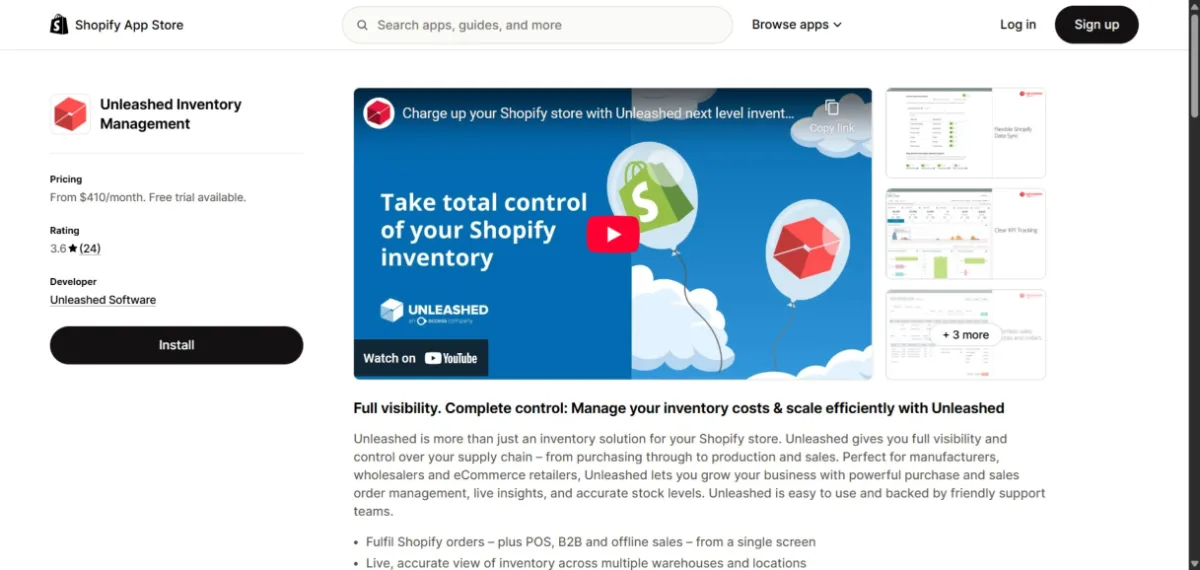
- Best for: wholesale and manufacturing.
- Key features: replenishment and forecasting; stock tracking; bill of materials and production support; analytics.
- Pricing: (USD list price, monthly) Lite $99 with 3 users; Core $399 with 3 users and 500 sales orders a month; Pro $729 with 5 users. Forecasting is a $149/month module on Core and included on Pro. A time-limited promotion was discounting Core and Pro when the page was read.
Zoho Inventory
Zoho Inventory is a budget-friendly option that automates basic reorder points and suits sellers already using Zoho apps.
- Best for: small to medium sellers in the Zoho ecosystem.
- Key features: reorder level automation; Zoho integrations such as Zoho Books.
- Pricing: Standard $39/month ($29 billed annually) for 500 orders a month, 3 users and 2 locations. Premium $99 ($79) for 3,000 orders, 5 users and 4 locations. Plus $159 ($129) for 7,500 orders, 10 users and 6 locations. Enterprise $299 ($249) for 15,000 orders and 10 locations.
- Skip it if: you need demand forecasting, which the pricing page does not list, or more than two locations on the entry plan.
Finale Inventory
Finale Inventory targets high-volume sellers managing stock across multiple warehouses, with PO workflows and reporting. It is now owned by Descartes.
- Best for: high-volume sellers and wholesalers.
- Key features: multi-warehouse replenishment; channel sync; advanced PO workflows; forecasting and reporting.
- Pricing: Essentials from $499/month and Growth from $799/month; Enterprise is quoted. Plans scale with users, integrations, order volume and add-ons, and most customers choose 12-, 24- or 36-month terms.
- Skip it if: you run one location and a small catalog.
NetSuite ERP
NetSuite is a full ERP rather than a replenishment tool: forecasting, inventory, purchasing and finance in one system for large, complex businesses.
- Best for: large enterprises.
- Key features: forecasting and planning; supplier and lead time management; custom workflows.
- Pricing: no public price. NetSuite sells an annual license made up of the core platform, optional modules and the number of users.
- Skip it if: you want replenishment only, without an ERP project.
Why Automated Inventory Replenishment Matters for eCommerce and Retail
Automated replenishment works out when and how much to reorder from your sales and supplier lead times, so you stop recalculating every product by hand. Done well, it does four things:
- Fewer stockouts: bestsellers are reordered before they run out.
- Less cash in slow movers: quantities follow demand instead of habit.
- Less manual work: no per-product math every week.
- Better planning: forecasts use real sales and each supplier's lead time.
The shift from spreadsheets to software is gradual: sync with sales channels runs every few minutes, and most tools still ask you to approve each purchase order.
What to Look for in a Good Replenishment Tool
A good replenishment tool turns sales, lead times and stock levels into a clear reorder list, and fits the way you actually sell. Check these six points before you compare prices:
- Stock visibility. You can see what is in stock, low and inbound without opening several sheets. Sync cadence matters: ask how often stock updates.
- Reorder-point logic. The tool should use sales speed, supplier lead time and safety stock, and let you set them per supplier or product.
- Low-stock alerts and PO suggestions. It should tell you what to reorder and let you turn the list into a purchase order in a few clicks.
- Demand forecasting. Forecasting handles seasonality; a flat average does not.
- Integrations. Shopify, Amazon and other channels should feed the same stock numbers.
- Multi-location support. Check whether reorder logic works per location, combined, or both.
Who Inventory Replenishment Software Is Best For
It pays off where stock moves quickly and manual reordering creates risk.
- Fast-growing eCommerce brands dealing with frequent stockouts
- Businesses managing many SKUs or locations
- Sellers operating across Shopify and additional sales channels
Who May Not Need It Yet
Some businesses can still manage replenishment by hand when demand is simple and predictable.
- Single-product or very small catalogs
- Low-volume businesses with infrequent sales
- Brands with stable demand and long supplier lead times
How to Calculate a Reorder Point (Worked Example)
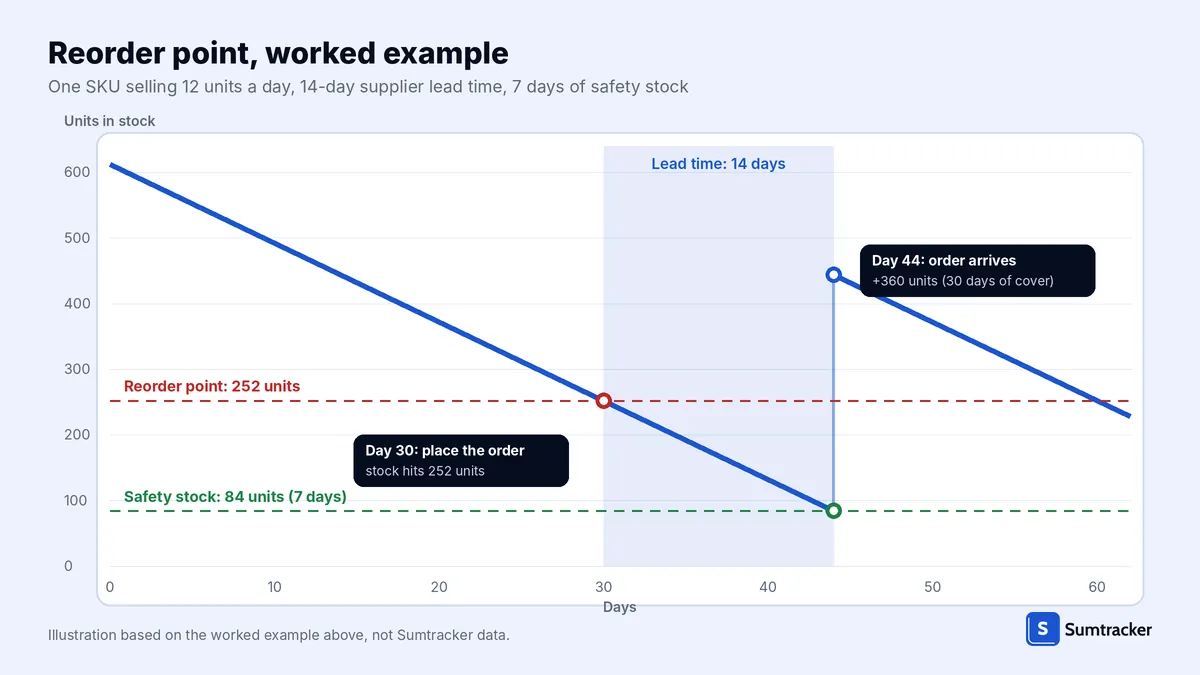
A reorder point is the stock level at which you place a new order so it arrives before you run out. It equals average daily sales times supplier lead time in days, plus safety stock.
Formula: reorder point = (daily sales × lead time days) + (daily sales × safety days)
Here is the math for one product. The result: reorder when stock hits 252 units.
- Average daily sales: 12 units. Use the last 12 months and skip days the item was out of stock.
- Supplier lead time: 14 days from placing the order to stock arriving.
- Demand during lead time: 12 × 14 = 168 units.
- Safety stock for 7 days of sales: 12 × 7 = 84 units.
- Reorder point: 168 + 84 = 252 units. To cover 30 days, order 12 × 30 = 360 units, minus stock on hand or already on order.
Do this for your top 20 products, using each supplier's own lead time, and redo it each season or when a supplier changes. Tools such as Sumtracker run the same math per product and supplier; see inventory forecasting.
A spreadsheet stops working when you have more products than you can recalculate weekly, sell on more than one channel, or hold stock in more than one location. That is when software earns its price.
How to Set Up Automatic Replenishment on Shopify in Five Steps
Shopify tracks quantities, but its former forecasting and purchase-order app, Stocky, stopped working on 31 August 2026, so reorder planning now needs a separate app. These five steps apply to any tool on this list.
- Connect your channels and locations. Connect Shopify first, then marketplaces, and map each Shopify location to the warehouse it represents. History import differs by tool: in Sumtracker only Shopify past sales are imported; other channels forecast from the day they connect.
- Enter lead time and safety stock per supplier. One number for every supplier is the most common source of bad suggestions. Sumtracker uses 14 days lead time, 7 days safety and 30 days of cover when nothing is set.
- Choose how many days of cover you want. Fast sellers need less cover than items with a long supplier lead time.
- Turn the suggestions into purchase orders. Review the list, adjust quantities, then add lines to a PO. In Sumtracker you add suggestions to a purchase order yourself; it does not create them automatically.
- Check results monthly. Compare suggested quantity with what you sold before the next order arrives, then adjust lead time and safety days.
For the math behind step 2, see how to calculate a reorder point; for several warehouses, see replenishment planning for multi-location inventory.
Common Replenishment Mistakes and How to Avoid Them
FAQs
Which is the best inventory replenishment software for Shopify merchants?
It depends on your setup, not a single winner. Shopify-only stores with small catalogs can start with Prediko or Fabrikator; sellers across Shopify and marketplaces should compare Sumtracker and Cin7 Core.
What features should I look for in a replenishment tool for eCommerce?
Look for reorder points built from sales, lead time and safety stock; forecasting that handles seasonality; stock sync across channels; multi-location support; and a clear path from suggestion to purchase order.
Can replenishment tools help avoid overselling across channels?
Yes, when they sync stock across channels. Sync runs every few minutes rather than instantly, so a sale on one channel updates the others shortly after, which cuts but does not eliminate oversells.
How do I know if it's time to upgrade from manual replenishment to software?
Move when you miss sales to stockouts, chase suppliers by email, sell on several channels or locations, or spend hours a week in spreadsheets.
What is inventory replenishment software?
It is software that tells you when to reorder each product and how much, using sales history, supplier lead times and safety stock, and in most tools turns the result into a purchase order.
Can Shopify automate stock replenishment on its own?
Not with a full reorder plan. Shopify tracks quantities, and Stocky, its former forecasting and purchase-order app, stopped working on 31 August 2026, so most merchants now add a replenishment app.
Which replenishment tools work with several sales channels?
Sumtracker syncs Shopify, Amazon, Etsy, Walmart and eBay, and Cin7 Core manages multi-channel orders on its plans. Prediko lists Amazon, TikTok Shop and Walmart. Confirm the exact channels you use before you trial any tool.
Conclusion
Pick replenishment software by your setup first and price second: count your channels, locations and 3PLs, then check which plan includes purchase orders and forecasting. Shortlist two tools, load your top 20 SKUs into each trial, and compare their reorder suggestions with your spreadsheet before you pay.

Jasmine Grover is the Content Marketing Lead at Sumtracker, with a background in journalism, digital publishing, and content development. She covers Shopify, inventory management, and e-commerce operations, creating research-driven content that simplifies complex business topics.
LinkedInRelated Articles
Tool and strategies modern teams need to help their companies grow.



Ready to Simplify Your Inventory Management?
Join hundreds of e-commerce merchants who rely on Sumtracker to save time, eliminate errors, and grow their business.